What it does
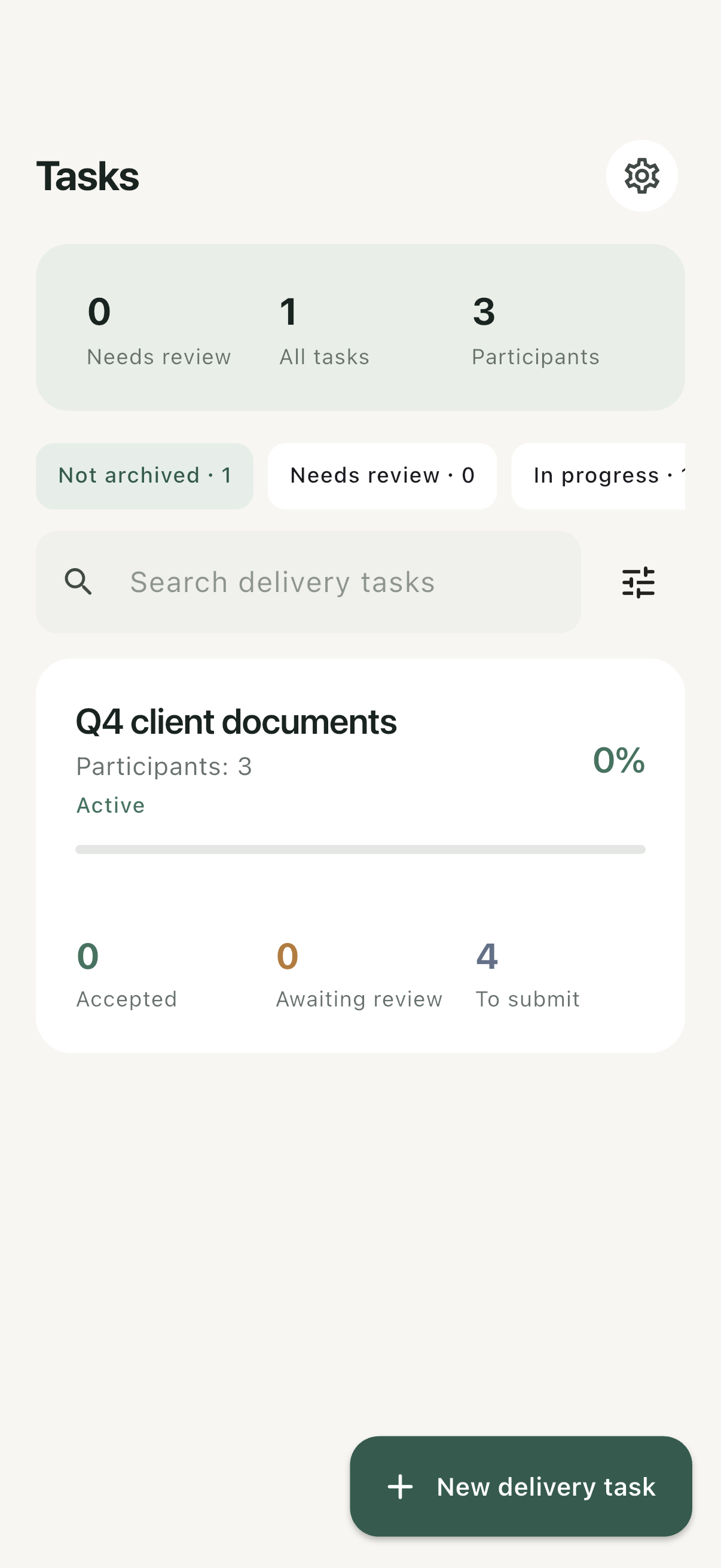
Team Deliveries organizes a request around people, roles and a document checklist. The owner can see which files are missing, which submissions need review and which items have been accepted. A participant opens their own invitation in a browser and sees the requests assigned to them.
Who it is for
Small service teams, project coordinators and client-facing professionals who collect several files from several people and need a clear review step.
Features & workflow
Specify the request
Add deadlines, periods, file formats, examples and instructions. A CSV import includes a preview before request items are created.
Invite the right person
Share a private invitation link and verification code. Participants submit through a browser without installing the app or creating an account.
Review each submission
Accept an item or return it with a reason. Keep missing files separate from files that have arrived but have not been checked.
Keep corrections traceable
Replace a specific file while retaining previous versions. Delivery filenames identify the requested document, participant and period; original names remain available for reference.
Getting started
Prepare the checklist
Give every request a recognizable name, period and owner.
Send individual invitations
Explain what to submit and how to use the link and code.
Review and close
Check incoming files, return corrections with a reason and confirm the accepted items.
Plans & purchases
Owners need an active trial or subscription to create tasks. The optional 14-day workspace trial requires no payment and does not automatically become paid. Invited participants do not need a paid plan. Current subscription prices appear in the app.
Before you start
Internet access is required. Workspace deletion and App Store subscription cancellation are separate actions. Check the current plan and supported file requirements before starting a large request.
Common questions
Do clients need an account?
The published workflow lets invited participants submit in a browser without an app account.
Can a participant see everyone else’s requests?
Participants see their assigned requests, rather than the owner’s entire workspace.
Is an uploaded file automatically accepted?
No. Submission and acceptance are separate review states.